

Document Scanning Services • Dallas Fort Worth • Records + Digital Archives
Document Scanning Services in Dallas Fort Worth
Lawton scans paper records into clean digital files your team can search, share, store, and retrieve. We support office records, archive boxes, backfiles, mixed-size documents, oversized sheets, and searchable PDF projects for businesses and organizations across North Texas.
The goal is not just to scan documents. The goal is to create a usable digital archive with clear files, consistent naming, reliable output, and fewer problems when someone needs the right record under deadline.
What document scanning services actually solve
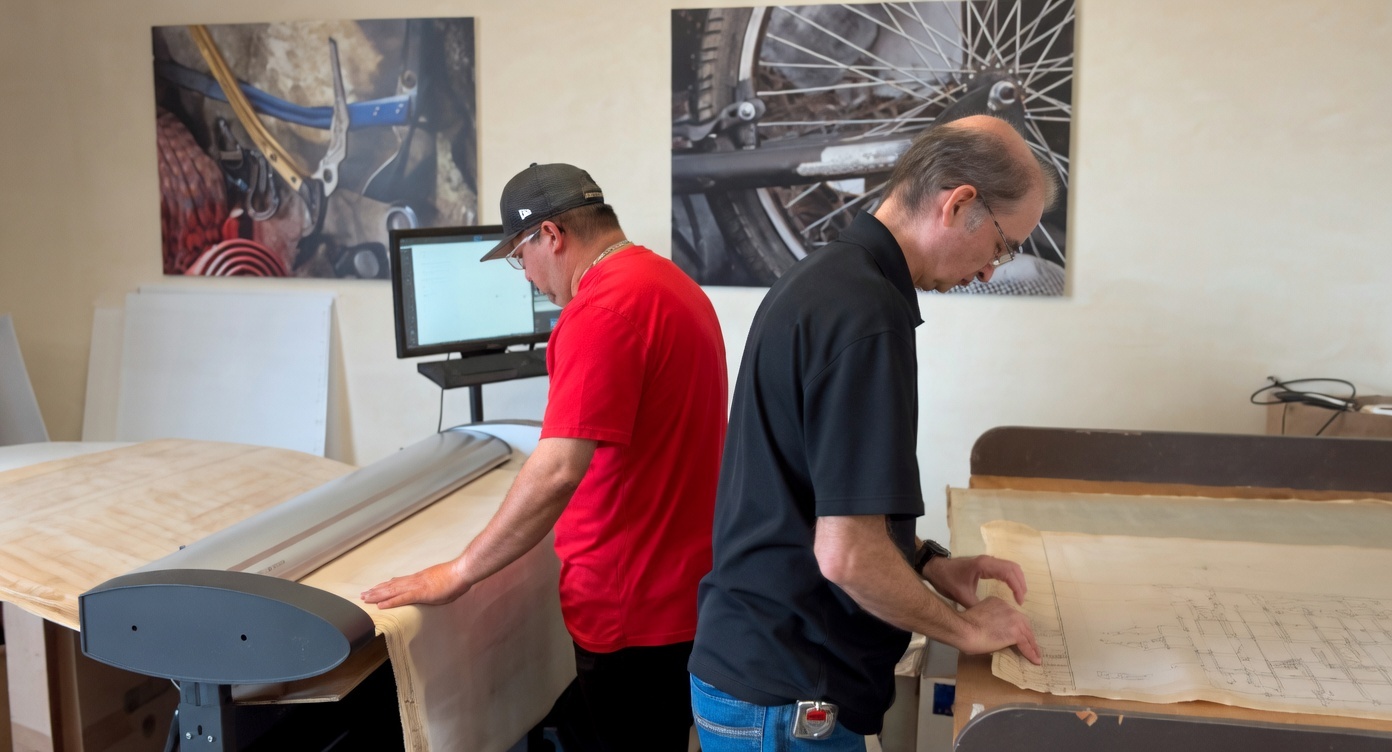
Document scanning helps turn paper records into files people can actually use. That usually means less time digging through folders, fewer version questions, and better access when departments, project teams, or facilities staff need the same information.
For many offices, the issue is not whether the records exist. It is whether anyone can find the right version quickly, open it easily, and trust that the scan is complete.
This page is focused on document scanning, record scanning, archive scanning, OCR, searchable PDFs, and digital archiving for businesses and organizations in North Texas. If the project centers on drawings, plans, maps, or oversized construction sets, see Blueprint Scanning and AEC Printing Dallas.
Scanning gets the paper into digital form. Archiving makes the files easier to search, organize, preserve, and work from after the project is complete.
Document scanning examples
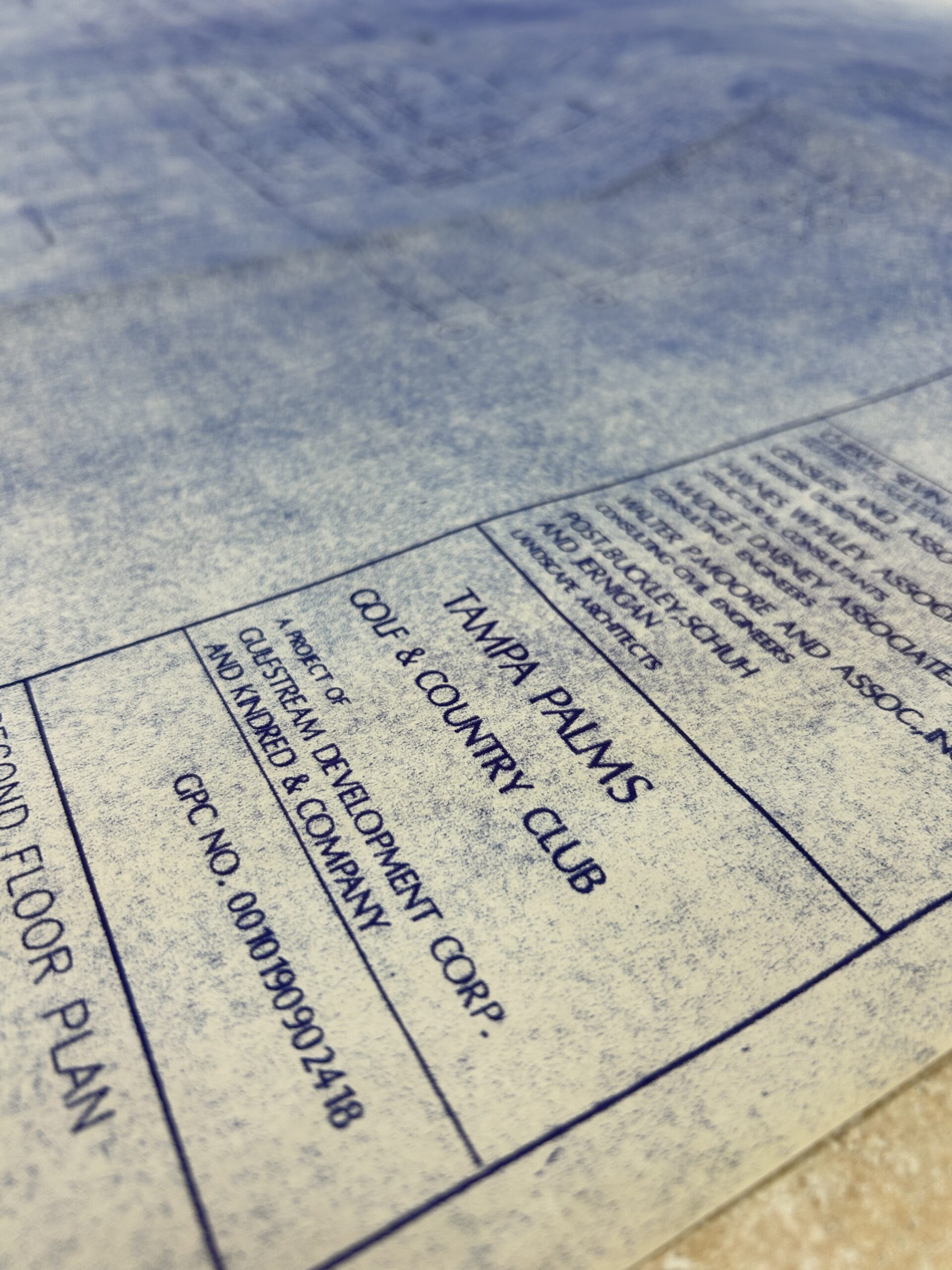
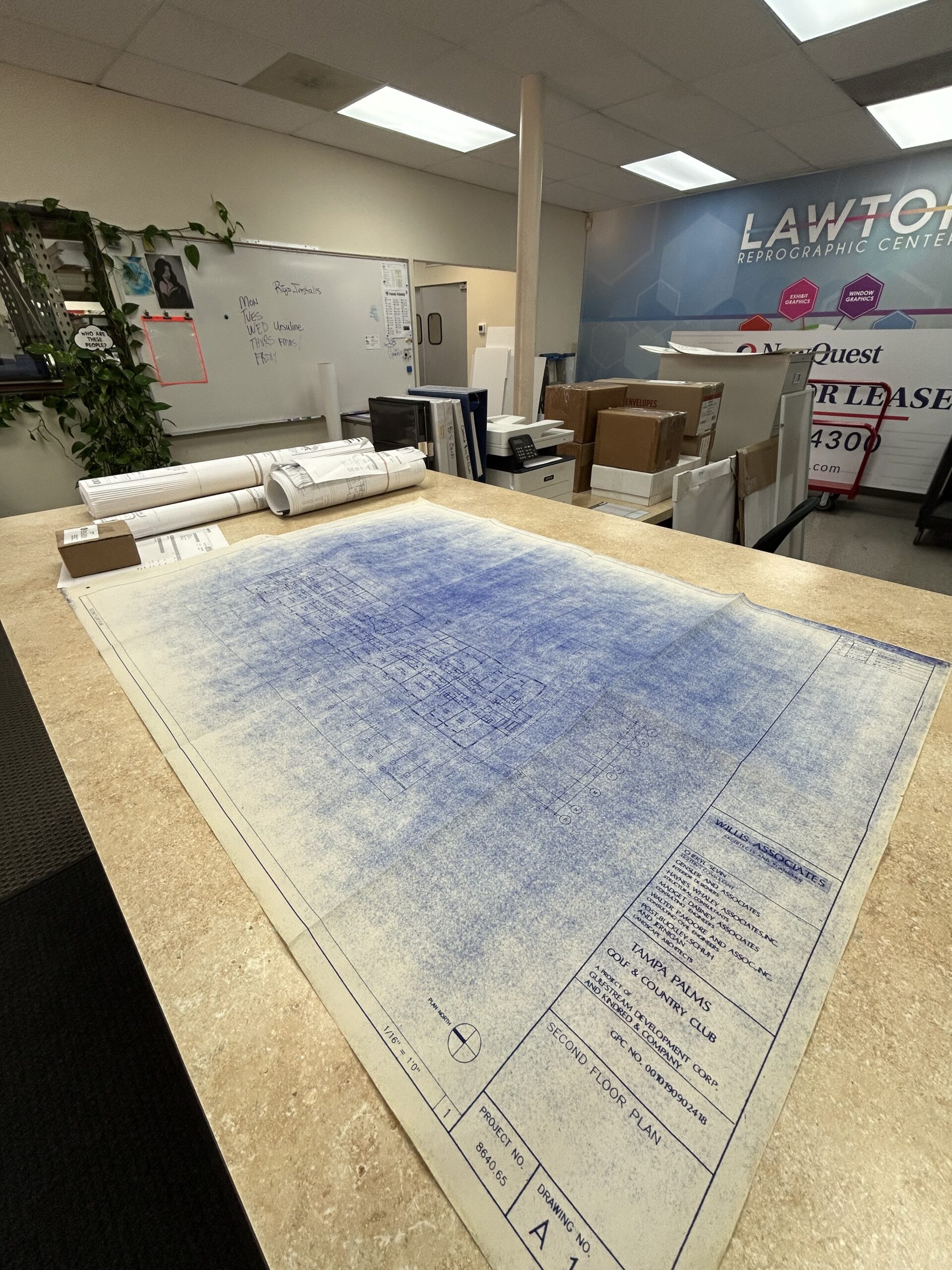
These examples show the kind of production environment and mixed-document workflow that matters when records need to be clean, organized, and usable after scanning.
Bulk document scanning
Bulk scanning is a good fit when boxes, cabinets, project folders, or office backfiles need to become organized digital files. The work needs a plan for document prep, grouping, naming, and delivery.
This is often what people mean when they search for document scanning services near me or companies that scan documents near me.
OCR and searchable PDFs
OCR helps make typed text inside scanned files searchable. It does not replace good folder structure, but it usually makes digital records much more useful for day-to-day retrieval.
Common outputs include PDF, searchable PDF, TIFF, and organized project folders.
Mixed-size scanning
Many archive projects include standard paper records plus oversized drawings, maps, plans, or long-format sheets. Keeping those files connected helps prevent fragmented archives later.
For plan-heavy work, connect this service with Blueprint Scanning.
A good scanning workflow helps prevent missing pages, unreadable files, random file names, oversized PDFs that are hard to share, and archives no one can search when they need them.
What we handle behind the scenes
The scan is only one part of the job. A usable archive also depends on planning, preparation, file structure, output settings, sample review, and clear handoff.
- Project review for volume, document mix, condition, and output goals
- Document preparation for folders, staples, grouping, order, and fragile originals
- Scanning and capture for standard records, mixed-size documents, and large sheets
- OCR and indexing when searchable text or better retrieval is needed
- File naming and folders so the archive is easier to use after delivery
- Quality review for readability, missing pages, crooked scans, and file consistency
- Delivery or pickup support for DFW teams moving records through production
What usually causes problems with document scanning projects
- Starting without a file plan. Scanning everything into one folder can create a new digital mess instead of solving the paper problem.
- Skipping sample review. A small test batch helps catch readability, naming, orientation, and file-size issues before they spread across the full project.
- Ignoring mixed document sizes. Standard pages, legal sheets, ledger sheets, maps, and oversized documents need to be planned together when they belong to the same record set.
- Assuming OCR fixes everything. OCR helps searchability, but the archive still needs clean naming, folder logic, and review standards.
- Waiting until records are urgent. Scanning under pressure increases the risk of missing pages, rushed decisions, and unclear handoff.
- Choosing quick scans for important records. A phone scan or self-serve machine can work for a one-off document, but it is not built for consistent archive work.
Best practices for a cleaner scanning project
What types of records fit this service
- Office records and backfiles
- HR, finance, and administrative documents
- Project folders and mixed-size records
- Facility records and maintenance documentation
- Historical or long-retention internal files
- Manuals, reports, binders, and reference files
- Oversized sheets that belong with standard records
If your project includes manuals, reports, closeout material, or reference binders, related support may also include Books, Manuals, and Reports or Fulfillment Services.
Why local scanning still matters
Local service matters when the records are important, bulky, mixed-size, or time-sensitive. A nearby production partner makes it easier to review samples, clarify file structure, handle pickup and delivery, and keep surprises from slowing the project down.
For Dallas Fort Worth teams, local scanning can also connect with plan scanning, printing, delivery, fulfillment, and other document workflows already moving through production.
For broader local service context, see Printing in Dallas, Fort Worth Printing Services, and Managed Print Services.
More scanning and archive workflow examples
FAQ about document scanning services near you
These answers are written around the real questions people ask when they need documents scanned, organized, and delivered as usable digital files.
Where can I scan documents near me in Dallas Fort Worth?
If you need professional document scanning in DFW, choose a local provider that can handle more than a quick one-page scan. For business records, backfiles, and archives, file structure, OCR, naming, and quality review matter as much as the scan itself.
Start with Document Scanning Dallas or Scanning & Archiving.
Do you offer bulk document scanning services near me?
Yes. Bulk scanning is often the right fit for archive boxes, file room cleanups, backfile conversion, and project records that need to become organized digital files.
Bulk projects usually benefit from a quick review before scanning begins so the file output matches the way your team needs to retrieve the records later.
Can you scan documents to PDF or searchable PDF?
Yes. PDF is a common output for document scanning, and searchable PDF can be added when OCR makes sense for the records.
Searchable PDFs are especially useful when teams need to find names, dates, project numbers, or other typed information inside scanned files.
Can you scan large documents and oversized records?
Yes. Many scanning projects include a mix of standard documents and oversized sheets such as maps, drawings, plans, or facility records.
For drawing-heavy work, see Blueprint Scanning.
Can scanned documents be edited in Word or another program?
Sometimes, but it depends on the original document and the quality of the scan. OCR can recognize typed text, but it does not always recreate formatting perfectly.
If editability matters, tell production before scanning so the output can be planned correctly.
What DPI should I use for scanning documents?
The right resolution depends on readability, file size, and how the scan will be used. Standard office records usually need a different approach than faded originals, photos, drawings, or oversized archive materials.
For most business scanning projects, it is better to confirm the use case than choose a setting by default.
Can I scan documents with an iPhone, Mac, HP, Canon, Epson, or Brother printer instead?
Phone and home printer scans can work for quick personal use. They are not the best choice for structured business archives, bulk scanning, OCR, consistent naming, or mixed-size records.
Lawton focuses on professional scanning and digital archive projects, not troubleshooting home scanners or device setup.
Where can I print and scan documents near me?
Lawton can support scanning, printing, and related document production in Dallas Fort Worth. That is useful when a project includes both digital conversion and printed output.
Related services include Printing in Dallas, Books, Manuals, and Reports, and Delivery.
How much does document scanning cost?
Document scanning cost depends on volume, page size, document condition, prep needs, OCR, indexing, file naming, and delivery requirements. Mixed-size archives usually need a quick project review.
A short check-in usually saves time before anyone starts counting every page or box.
Is it safe to scan important documents with a professional service?
Important records should be handled with a clear process and a provider you trust. For business projects, ask how originals are prepared, scanned, reviewed, delivered, and returned.
The right workflow helps reduce misplaced originals, incomplete scans, and unclear file handoffs.
Do you scan historical records or archive materials?
Archive-oriented projects can be a good fit when the goal is preservation, cleaner access, and better handling of important originals. The scope depends on condition, size, output needs, and how the archive should function after delivery.
For long-term structure, pair scanning with indexing and a simple retrieval plan.
How do I get started with a document scanning project?
Share what you are scanning, how much there is, and what the files need to do after capture. It also helps to know whether the project includes OCR, indexing, mixed-size originals, or oversized sheets.
Built for real Dallas Fort Worth workflows
Most teams looking for document scanning need a practical answer they can act on. They need to clear space, preserve records, improve access, or get a backlog under control without creating a new mess digitally.
Lawton has supported North Texas teams for more than 40 years, and that experience matters when a project depends on clean handoff, reliable files, and fewer surprises after the scanning is done.
Useful external references
- National Archives records management guidance
- Texas State Library records publications
- Library of Congress preservation resources
These are helpful references for teams thinking about preservation, records handling, and longer-term document management.
Why this helps
Good document scanning reduces downstream friction. It saves time searching, helps protect important originals, supports continuity, and gives teams files they can actually work from instead of a cluttered folder of low-value scans.
When the files need to matter later, the process matters now.
Request a Quick Check In
Tell us what you are scanning, how much there is, and what you need the files to do after capture. We’re happy to take a look and point you toward the right workflow. No pressure, just support.
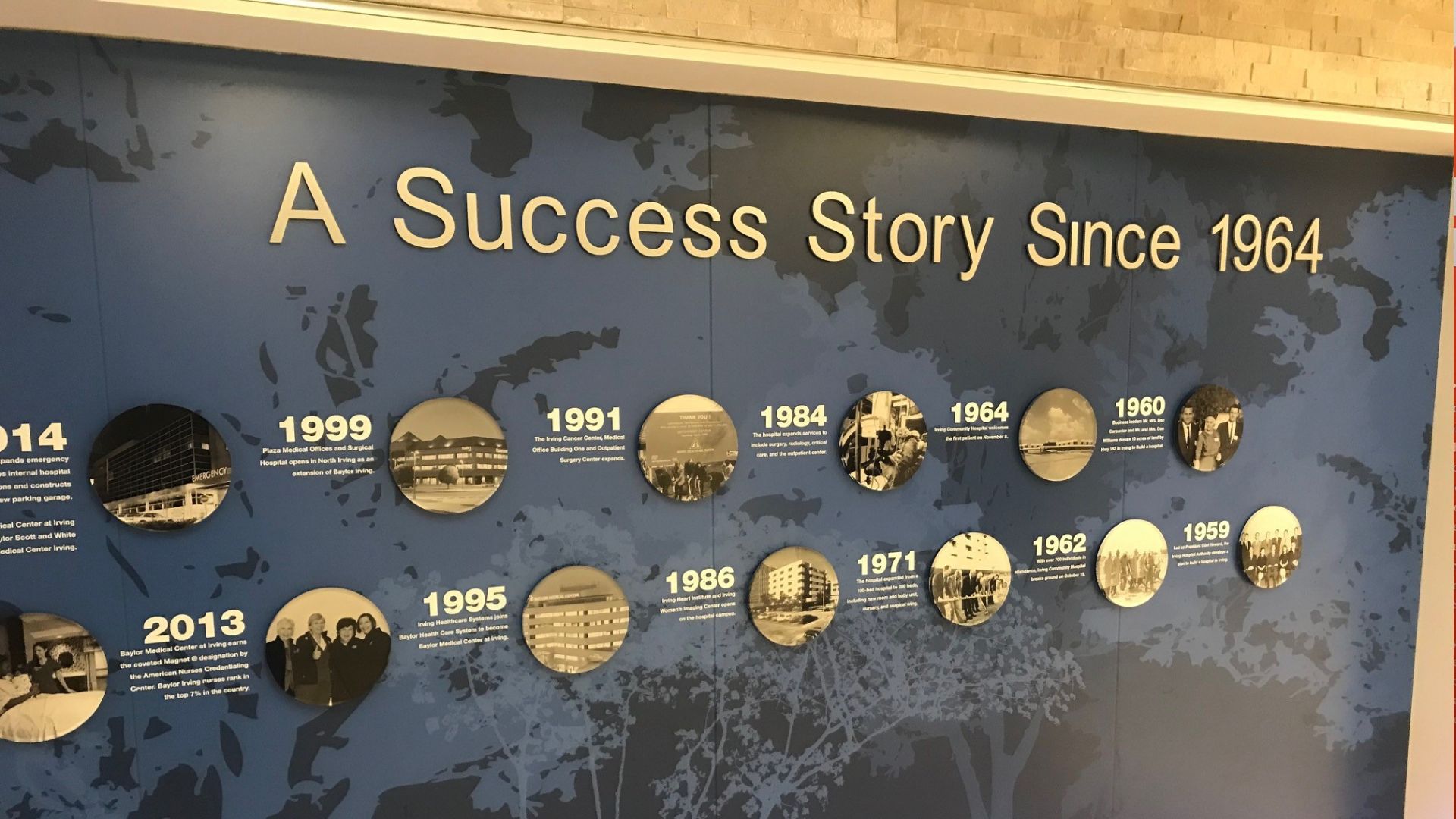
Story walls help organizations show their history, mission, people, milestones, and values through clean, thoughtful wall graphics. Lawton helps North Texas teams plan, print, finish, and install story walls that make a space feel more connected and intentional.

Lawton helped Beck Construction produce and assemble 24 organized closeout binders containing operations and maintenance documentation required for project turnover.
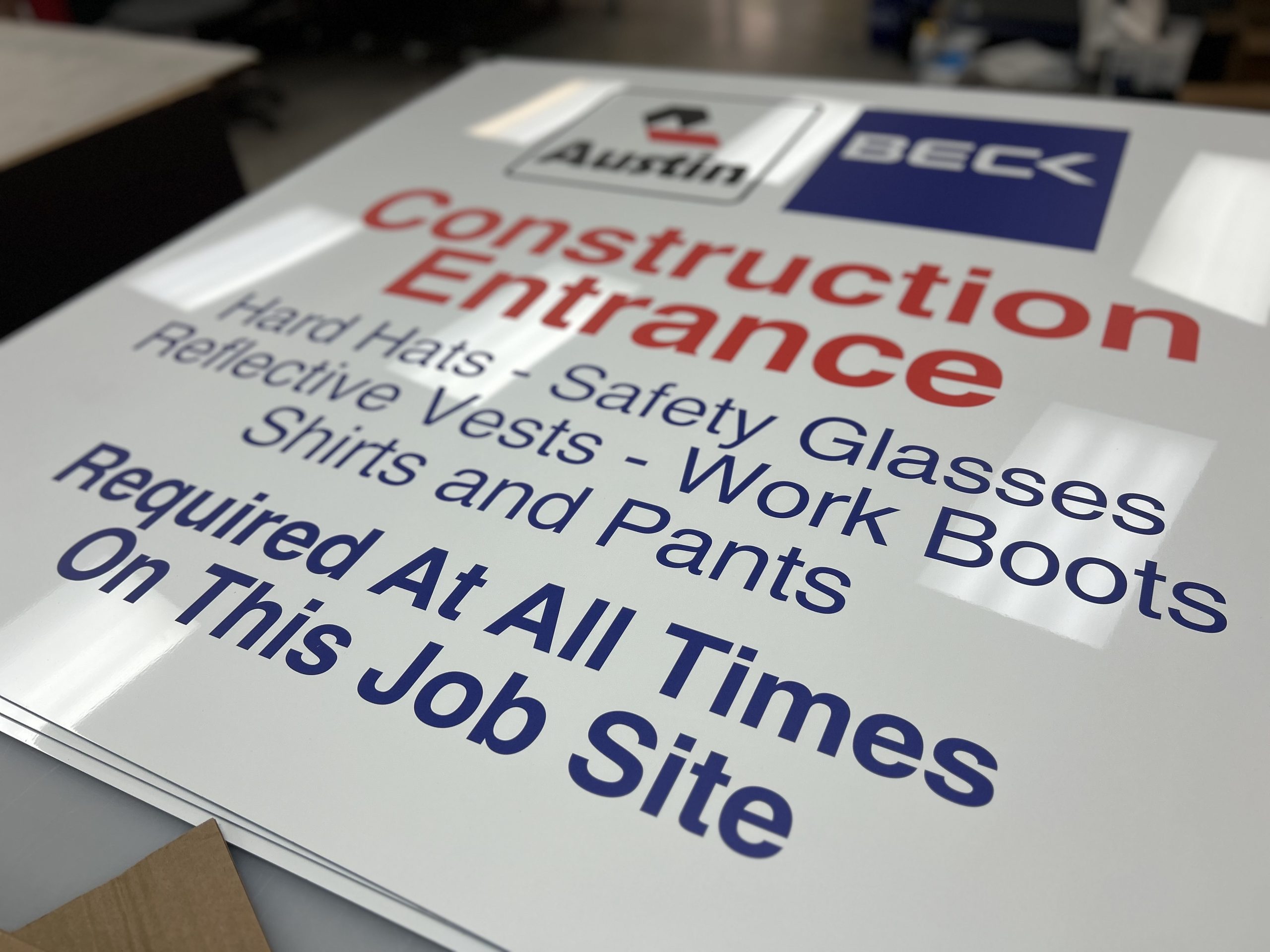
Construction safety signage printing for Dallas–Fort Worth jobsites. We produce jobsite boards, safety signs, fence banners, and wayfinding that stay readable outdoors and support real construction workflows.
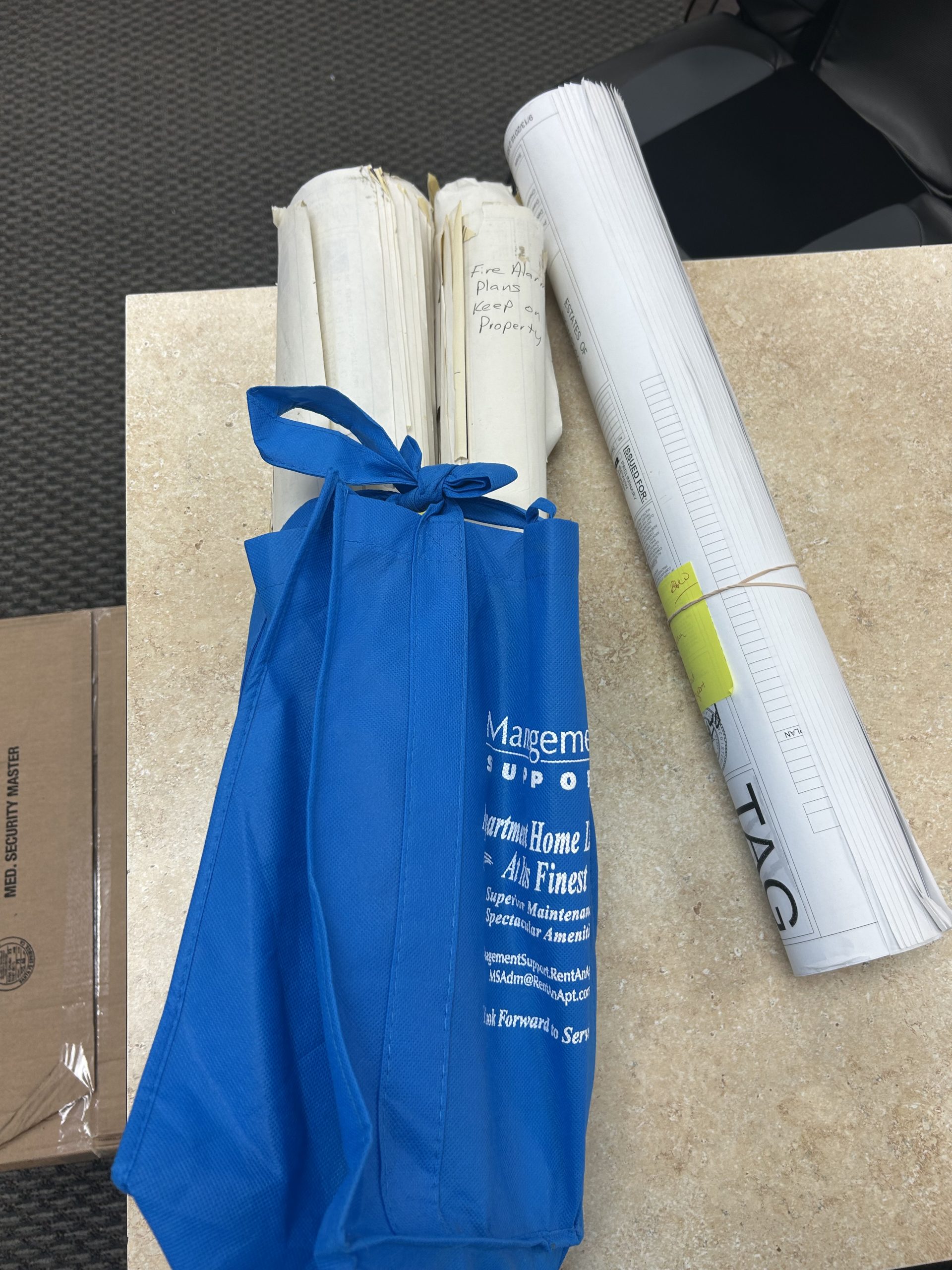
Most organizations have forgotten files hiding in cabinets—contracts, drawings, permits, donor forms. In 2025, scanning means more than PDFs. It means OCR, metadata, and cloud backups. It means unlocking the full value of your documents—and reclaiming time, space, and money along the way.
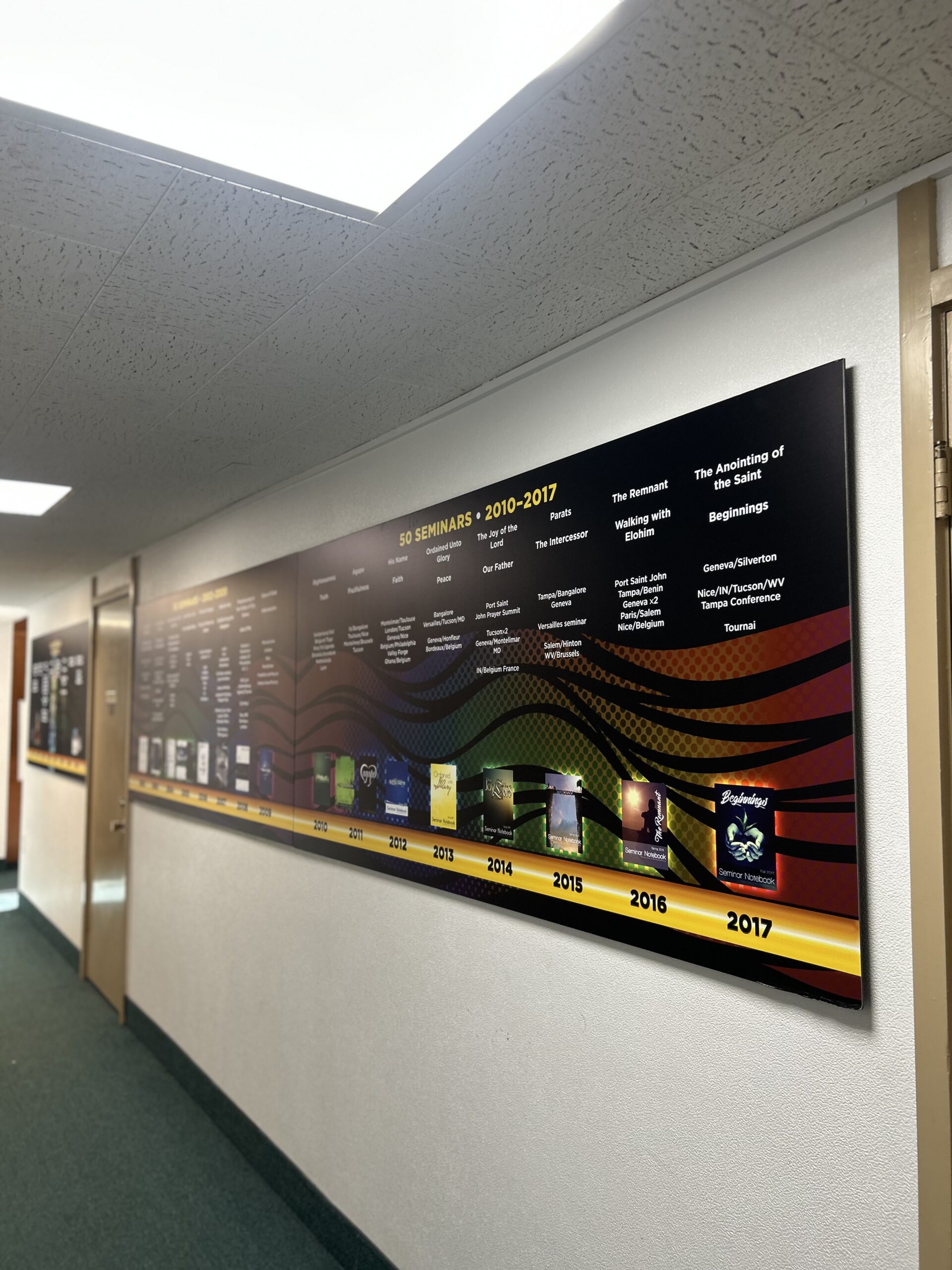
See how Lawton Printing & Graphics designed, printed, and installed four church history boards for The Fathers Church, creating a permanent hallway story display.
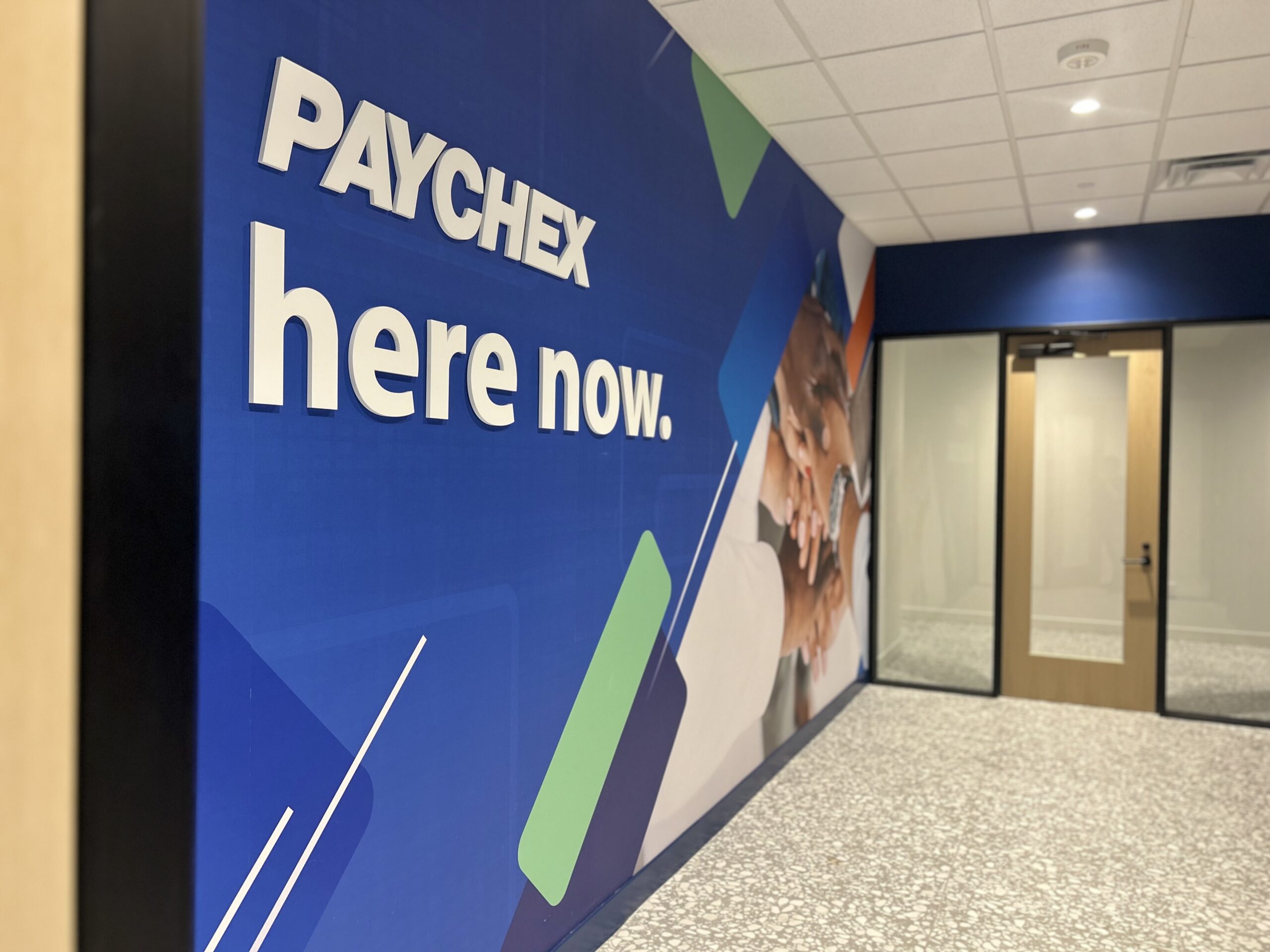
See how Lawton Printing & Graphics brought together wall murals, stretched canvas artwork, and office signage for a coordinated Paychex interior rebrand.

Rigo’s story—from the offset era to today—plus a few real answers that capture the culture at Lawton.
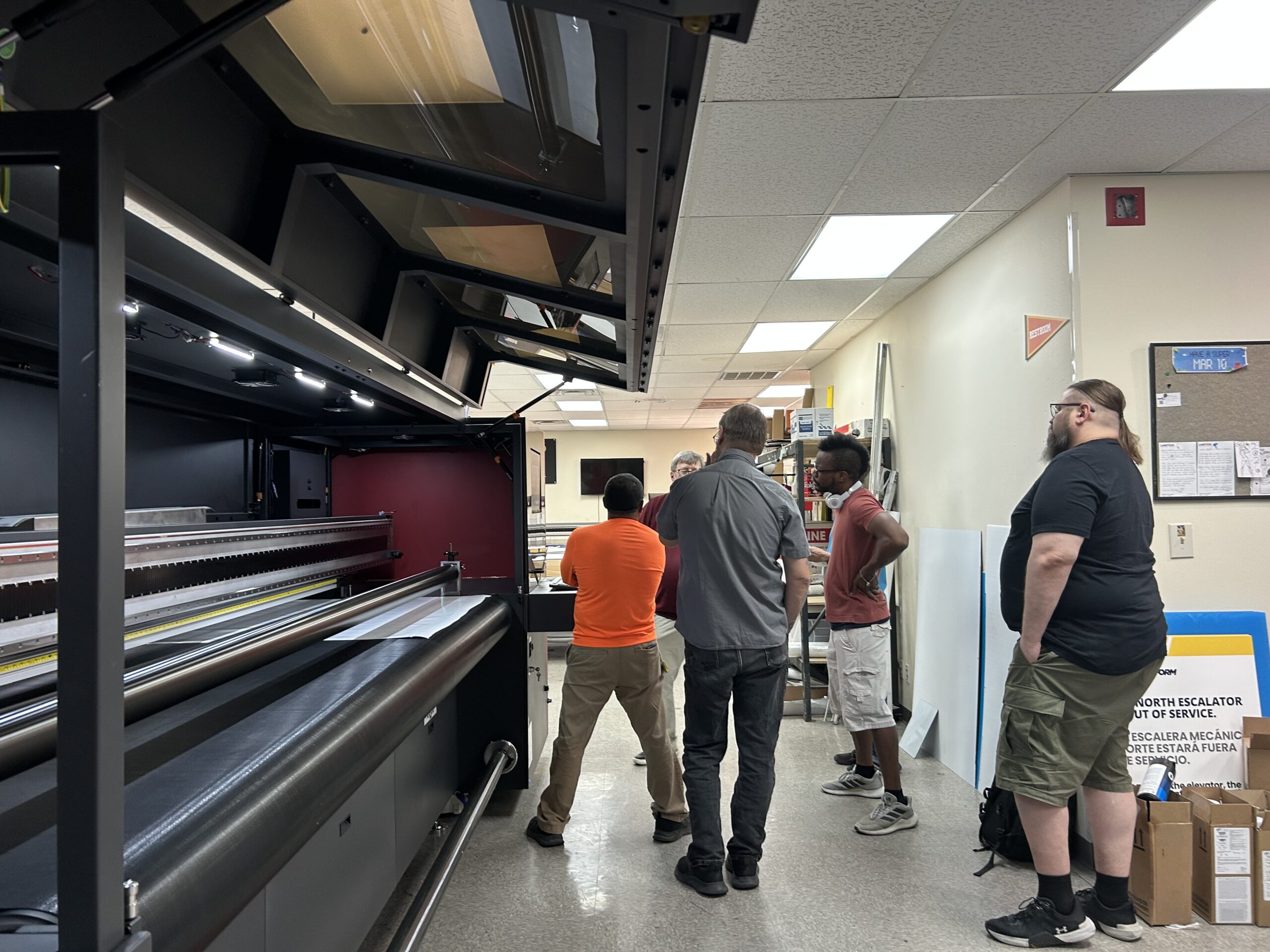
Lawton’s new EFI Pro 30h+ expands our wide format capabilities with faster rigid board and roll production, white ink, multilayer printing, and clear spot effects. See the machine arrive, meet the team trained to operate it, and explore what it adds to our Dallas Fort Worth production workflow.