

Document Scanning • Digital Archives • Dallas Fort Worth • Records + Backfiles
Document Scanning Services in Dallas Fort Worth for Searchable Records and Digital Archives
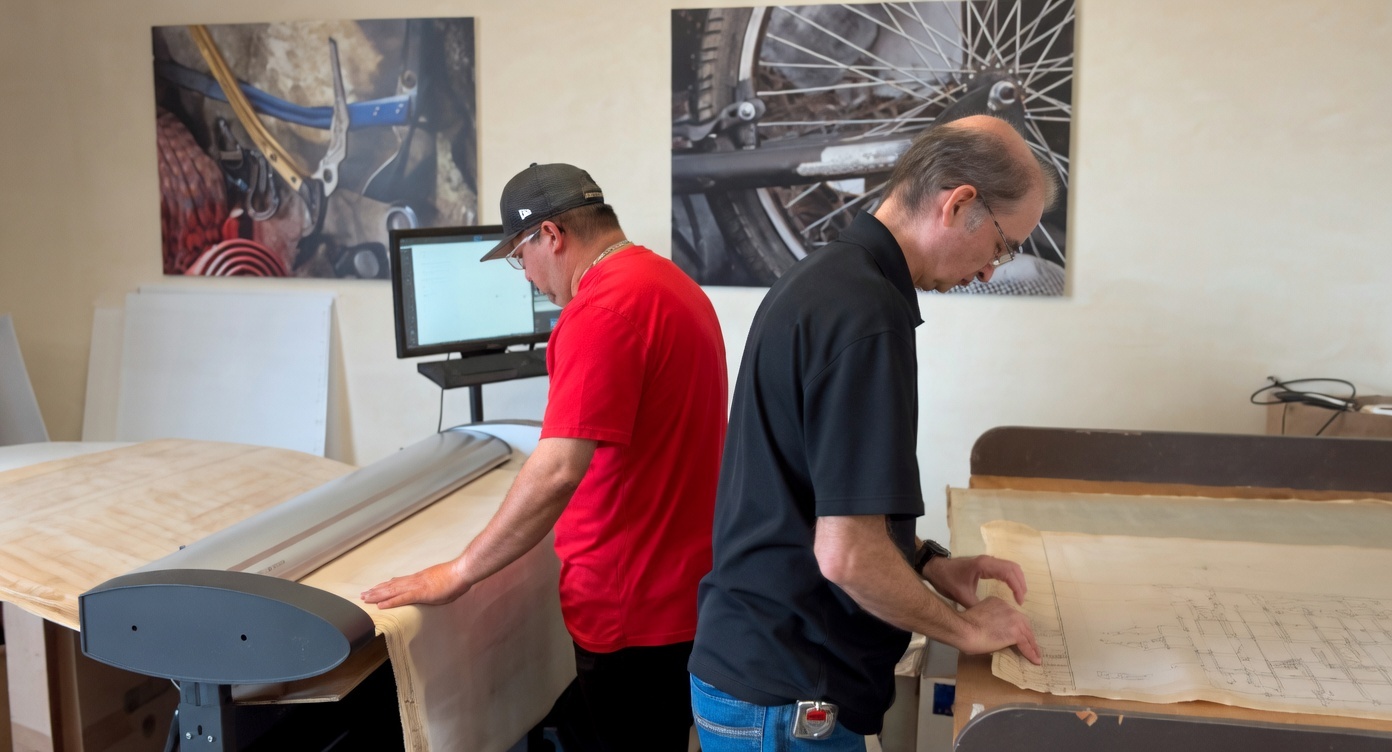
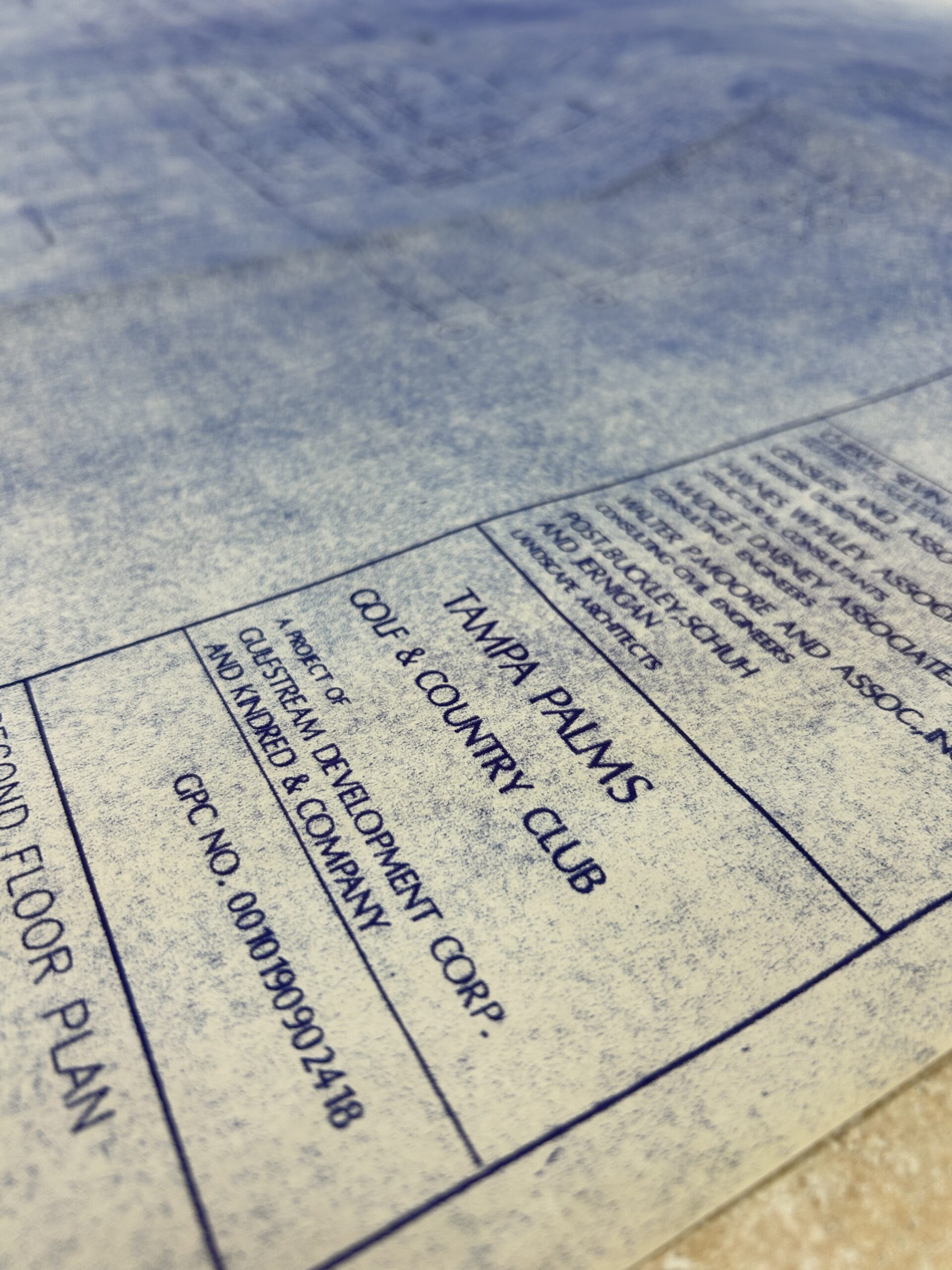
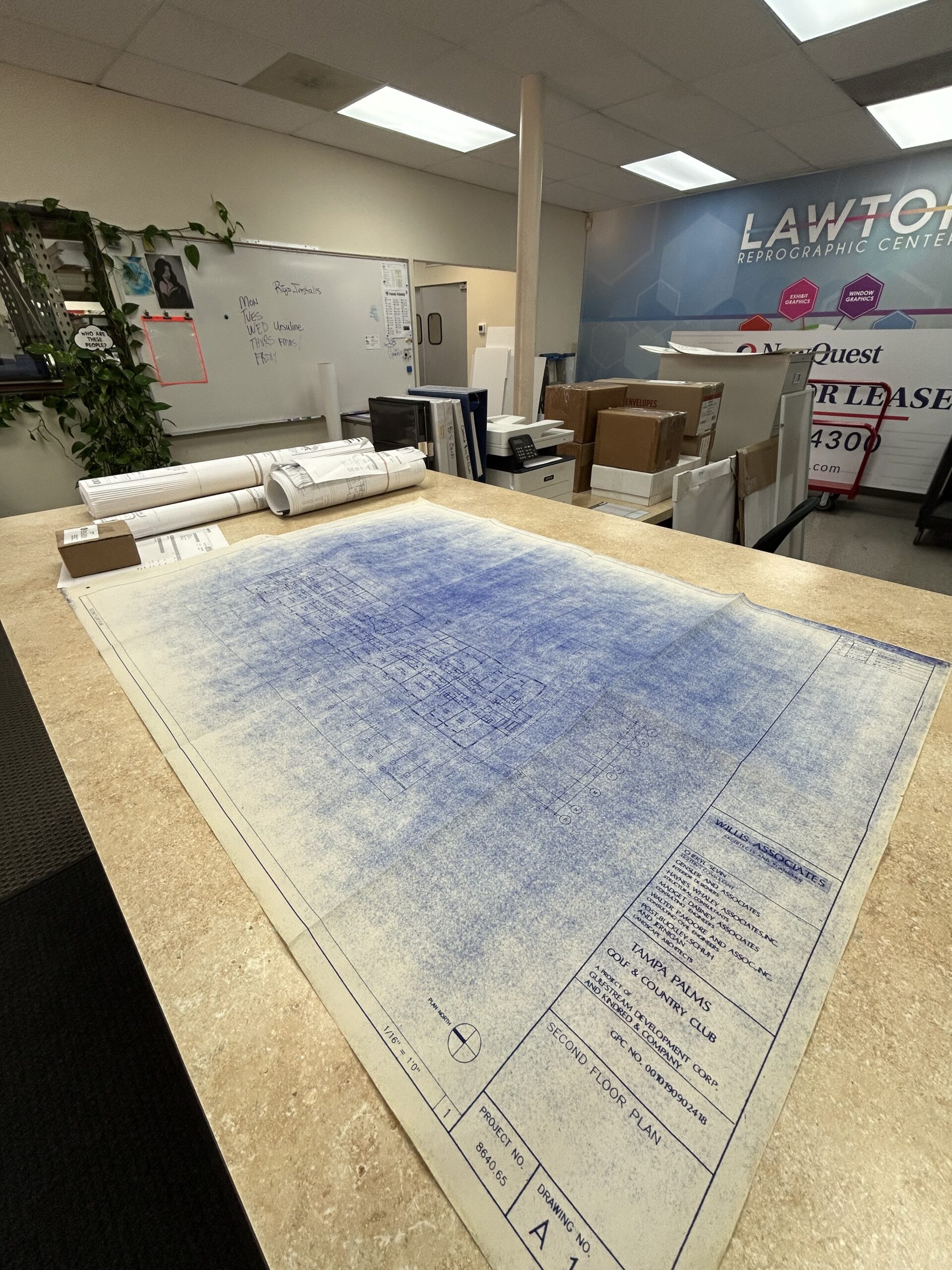
Yes, we scan paper records into clean digital files. That includes everyday documents, backfiles, office records, archive projects, and oversized sheets that need to be preserved and easier to retrieve. If you are scanning plans, drawings, or oversized construction sets, also see Blueprint Scanning in Dallas, Scanning & Archiving, and Document Scanning in Dallas.
Related pages for this pillar include Scanning & Archiving, Document Scanning Dallas, Blueprint Scanning, AEC Printing Dallas, Construction Printing, and DFW Print Services Overview.
What document scanning services actually solve
Document scanning helps turn paper records into files people can actually use. That usually means clearer retrieval, less time spent digging through folders, and fewer problems when teams need to share or reference older documents under deadline. For many offices, the real issue is not whether records exist. It is whether anyone can find the right version quickly, open it easily, and trust that nothing important is missing. That is where structured scanning, OCR, and naming standards matter.This page is focused on document scanning, record scanning, archive scanning, and digital archiving for businesses, facilities teams, project teams, and organizations in North Texas. If the job centers on drawings, maps, or plan sets, that crosses into Blueprint Scanning and AEC Printing.
What we mean by digital archives
A digital archive is more than a folder full of scans. It is a usable file set with a naming structure, searchable content when needed, and enough consistency that people can retrieve the right document later without guessing. That is the difference between basic scanning and a true archive project. Scanning gets paper into digital form. Archiving makes the result easier to preserve, search, organize, and work from over time.For archive-focused work, pair this page with Scanning in 2025, Scanning & Archiving posts, and How Lawton Helps Teams Cut Costs and Save Time.
Why local scanning still matters
Local service matters when the records are important, bulky, mixed-size, or time-sensitive. A nearby production partner makes it easier to review samples, clarify file structure, handle pickups, and keep surprises from slowing the project down. For Dallas Fort Worth teams, local support also helps when document scanning overlaps with plan scanning, printing, fulfillment, installation, or other production needs already moving through the same workflow.See how related services connect at Fort Worth Printing Services, Printing in Dallas, Managed Print Services, and Fulfillment Services.
When professional document scanning makes sense
Backlog and file room cleanup
Old records take up space and usually stay hard to retrieve until someone is forced to search for them. Scanning makes cleanup practical only when the output is named and organized properly.Shared access across teams
If more than one person needs the same records, paper slows everything down. Digital files make collaboration easier, especially when there are searchable PDFs and consistent folder structures.Preservation of important originals
Repeated handling wears down documents. Scanning helps reduce unnecessary handling while creating a working copy that is easier to reference day to day.Mixed-size archive projects
Many projects include standard records plus oversized sheets. Keeping them under one archive plan helps teams avoid fragmented retrieval later.Compliance and retention support
Digital access does not replace your retention policy, but it can make records easier to manage, review, protect, and retrieve under pressure.Business continuity
Paper-only records are harder to recover from disruption. Scanning supports continuity by reducing dependence on one room, one cabinet, or one person who knows where everything is.What affects scanning quality
- Document condition such as faded text, staples, folds, tears, or old marks
- File output needs such as PDF, searchable PDF, TIFF, or project folders
- Resolution choices based on readability, file size, and intended use
- Indexing and naming which often matter more than people expect
- Mixed originals such as legal, ledger, oversized, and standard sheets in one archive
- Downstream use including retrieval, review, printing, OCR, or system upload
If the question is really about file usability after scanning, our Prepress Checklist and Software Products pages help frame the bigger workflow.
OCR and indexing matter more than most scan projects expect
OCR makes scanned text searchable. That does not fix every retrieval problem by itself, but it usually makes archive files much more useful than flat image scans with no text recognition. Indexing is the second half of the job. Good file names, folder logic, project grouping, and simple metadata rules often determine whether teams actually use the archive after the scanning is finished.This is where Scanning & Archiving, Document Scanning Dallas, Books, Manuals, and Reports, and PaperCut can all connect depending on how your files are used after capture.
How document scanning usually works
- Review the document mix. Standard files, oversized sheets, archive boxes, fragile originals, and naming expectations should be clear at the start.
- Confirm the output. Decide whether the files need to be simple PDFs, searchable PDFs, TIFFs, indexed folders, or part of a larger digital archive structure.
- Prepare and capture. Documents are staged, grouped, and scanned based on the project requirements and the condition of the originals.
- Apply OCR or organization rules where needed. This is where retrieval gets easier later.
- Review samples. Quality checks help catch crooked pages, unreadable text, missing sheets, and file naming problems before they spread across the full project.
- Deliver in a usable format. The best scan project is the one your team can actually work from after handoff.
What types of records fit this service
- Office records and backfiles
- HR, finance, and administrative documents
- Project folders and mixed-size records
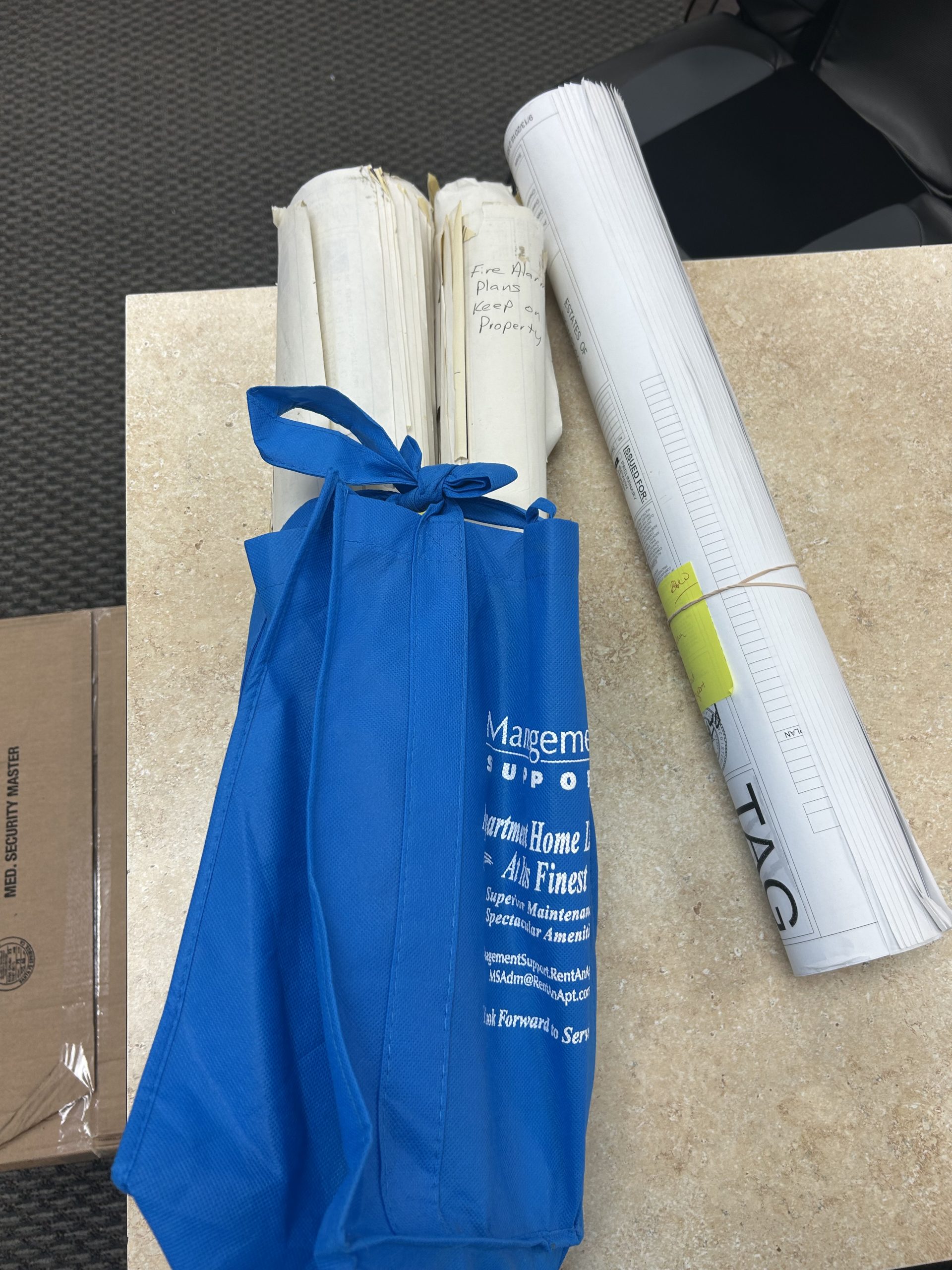
- Facility records and maintenance documentation
- Historical or long-retention internal files
- Manuals, reports, binders, and reference files
- Oversized sheets that belong alongside standard records
Oversized items can overlap with Blueprint Scanning, Posters and Presentation Boards, and Books, Manuals, and Reports depending on the originals.
Reliable support for teams handling important records
When records matter, the process matters too. Clear scans, organized folders, searchable files, and a local team that understands the end use all help reduce rework and make the archive more useful from day one. That is especially important when projects include mixed-size files, long retention needs, or multiple departments that all need access to the same information.For broader service context, link this page with Corporate & Enterprise Printing, Community Printing, Education Printing, and Hospitality Printing.
Resources that support this pillar
These internal pages help build the scanning, archiving, records, and related workflow cluster across the site.
Additional related content includes How Lawton Helps Teams Cut Costs and Save Time, Scanning in 2025, 40th Anniversary, and Blog posts.
Built for real Dallas Fort Worth workflows
Most teams looking for document scanning need a practical answer they can act on. They need to clear space, preserve records, improve access, or get a backlog under control without creating a new mess digitally. That is why this page focuses on office backfiles, project records, mixed-size document archives, and searchable PDF delivery. It also connects naturally with related North Texas workflows such as Corporate Printing, Community Printing, Education Printing, and Design & Marketing Print Services.Useful external references
- National Archives records management guidance
- Texas State Library records publications
- Library of Congress preservation resources
These are helpful reference points when teams are thinking about preservation, records handling, and longer-term document management.
FAQ about document scanning, digital archiving, and local scanning services
These are short direct answers designed to match how people actually ask the question.
Where can I scan documents near me in Dallas Fort Worth?
If you need professional document scanning, look for a local production partner that handles real archive work, not just a quick self-serve machine. That matters more when the files are important, mixed-size, or need to be searchable and organized after scanning.
Start with Document Scanning Dallas and Scanning & Archiving.
What is the difference between document scanning and digital archiving?
Scanning converts paper to digital files. Digital archiving goes further by organizing, naming, indexing, and structuring those files so people can find and use them later.
If long-term retrieval matters, the archive structure is part of the service, not an afterthought.
Do you offer bulk document scanning services near me?
Yes. Bulk scanning is often the point of using a professional service because backlogs, records rooms, project folders, and archive cleanups usually need more than a one-off scan from a desktop machine.
Bulk projects also benefit from better naming, OCR, and file review so the result is usable after delivery.
Can you scan large documents and oversized records?
Yes. Large document scanning is part of many archive projects. Some jobs include standard records plus oversized sheets, maps, plans, or long-format originals that should stay connected within the same archive.
For drawings and plan-heavy work, also visit Blueprint Scanning.
Can scanned documents be searchable?
Yes. OCR can make typed text within a scanned file searchable, which usually improves retrieval and day-to-day use.
OCR is useful, but it still needs reasonable file naming and folder structure to work well at scale.
What file types are common for document scanning?
PDF is the most common deliverable. Searchable PDFs are often preferred for office records, while TIFF or other formats may fit specific archive or workflow requirements.
The right format depends on how the files will be stored, retrieved, shared, or uploaded later.
How much does document scanning cost?
Pricing depends on volume, size mix, condition, preparation needs, output type, and how much indexing is required. Mixed archives usually need a project-based review.
That is why a quick check-in usually saves time before anyone starts counting every page.
Can I just use my phone instead of professional document scanning?
Phone scans can work for quick personal use, but they are not a good replacement for structured archive projects. They are harder to keep consistent and harder to name in bulk.
For real archive work, consistency matters as much as capture.
Do you scan historical records or archive materials?
Archive-oriented projects can be a good fit when the goal is preservation, cleaner access, and better handling of important originals. The scope depends on condition, size, output needs, and how the archive needs to function after delivery.
For long-term structure, pair scanning with indexing and a simple retrieval system.
How do I get started?
Share what you are scanning, what the files need to do afterward, and whether the project includes OCR, indexing, or mixed-size originals. That gives production a cleaner starting point and usually leads to a better recommendation.
Why this helps
Good document scanning prevents a lot of downstream friction. It reduces the time spent searching, helps preserve important originals, supports continuity, and gives teams files they can actually work from instead of a cluttered folder of low-value scans. That is why this page is built as one of the site’s core pillars. It connects real service intent, local search intent, AEO-friendly answers, internal topic clusters, and the kinds of practical questions teams ask when they are trying to move from paper records to digital access without creating a new mess.Request a quick check-in
Tell us what you are scanning, how much there is, and what you need the files to do after capture. We’re happy to take a look and point you toward the right workflow. No pressure, just support.
Lawton helped Beck Construction produce and assemble 24 organized closeout binders containing operations and maintenance documentation required for project turnover.

Meet Hoshawn Hawkins, Service Manager at Lawton Printing & Graphics. Certified in A+, Network+, and Security+, he leads equipment service and IT support.
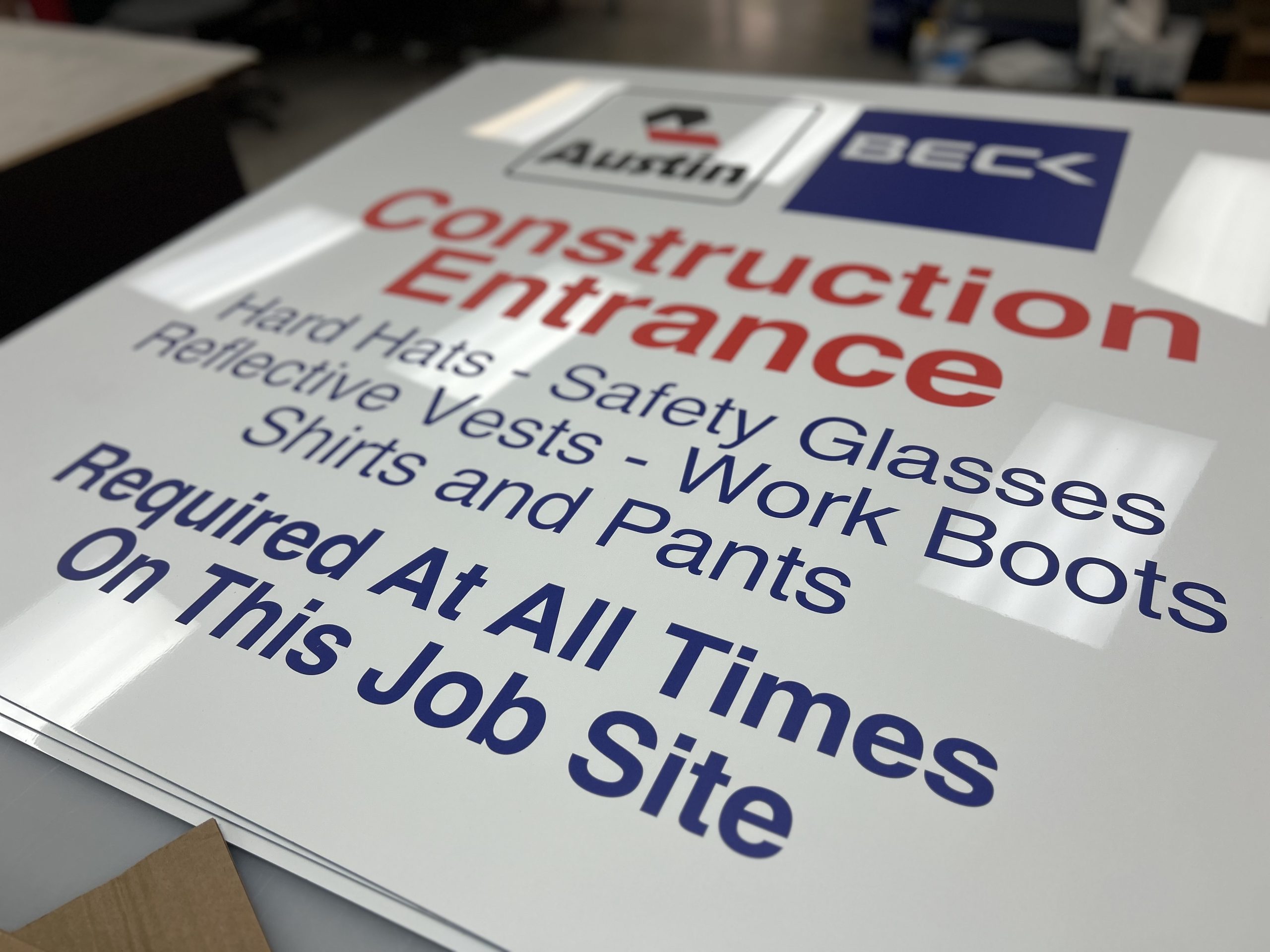
Construction safety signage printing for Dallas–Fort Worth jobsites. We produce jobsite boards, safety signs, fence banners, and wayfinding that stay readable outdoors and support real construction workflows.
Most organizations have forgotten files hiding in cabinets—contracts, drawings, permits, donor forms. In 2025, scanning means more than PDFs. It means OCR, metadata, and cloud backups. It means unlocking the full value of your documents—and reclaiming time, space, and money along the way.
Transit Signage • Dallas Fort Worth DART Silver Line Wayfinding Signage and System Graphics The expansion of the DART Silver Line is …
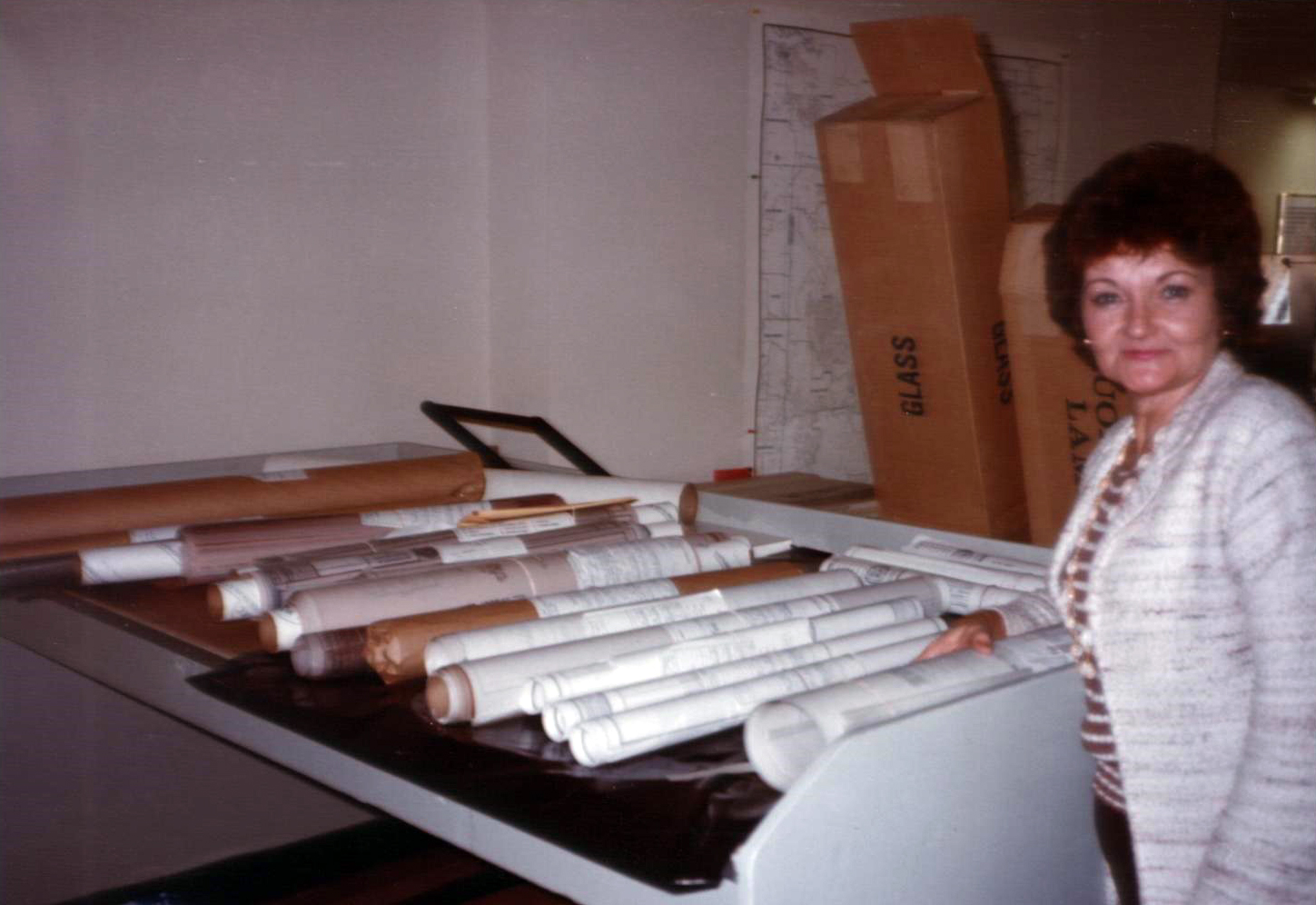
Learn how Barbara Lawton shaped the culture, leadership, and decision making at Lawton Printing & Graphics. A real story of respect, clarity, and independence in North Texas.
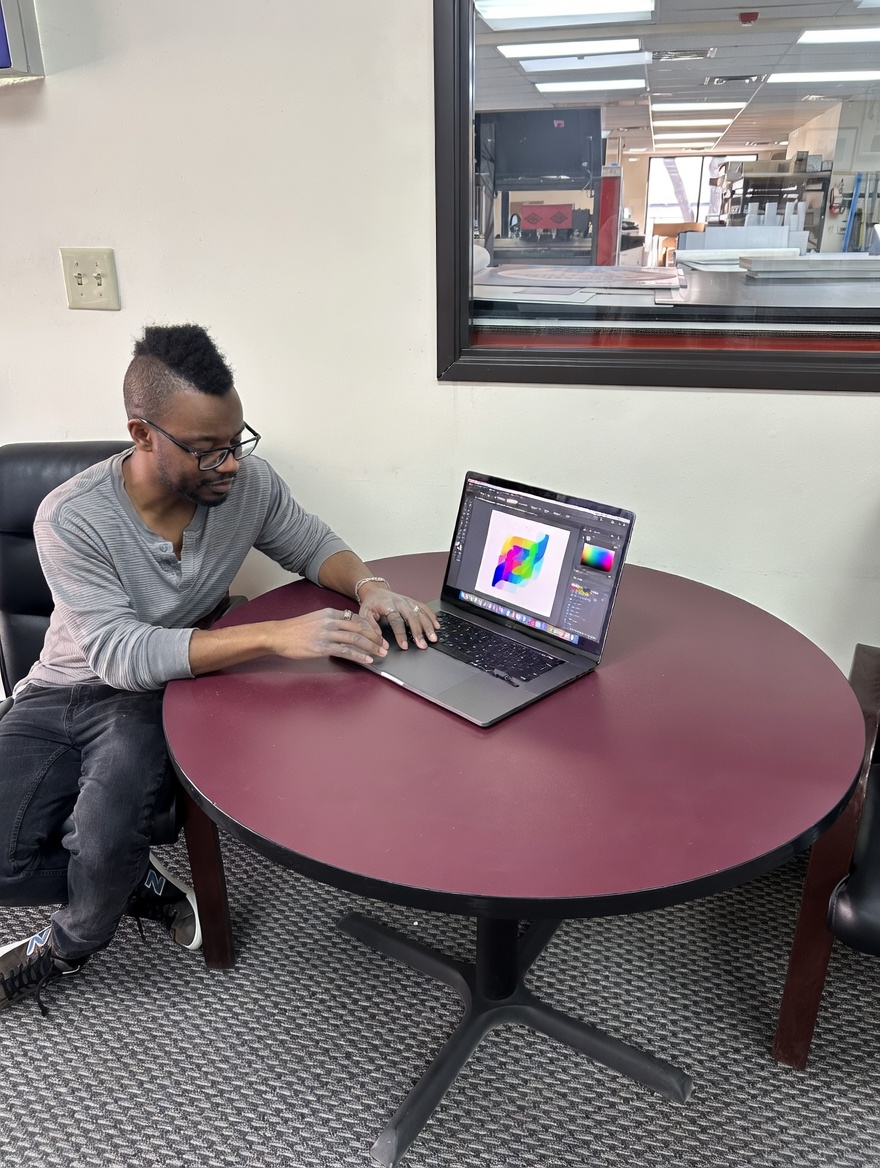
Graphic design and printing services in Dallas TX for signs, posters, brochures, books, mailers, and large format graphics. Lawton helps DFW teams create print ready files and finished materials that look right in production.
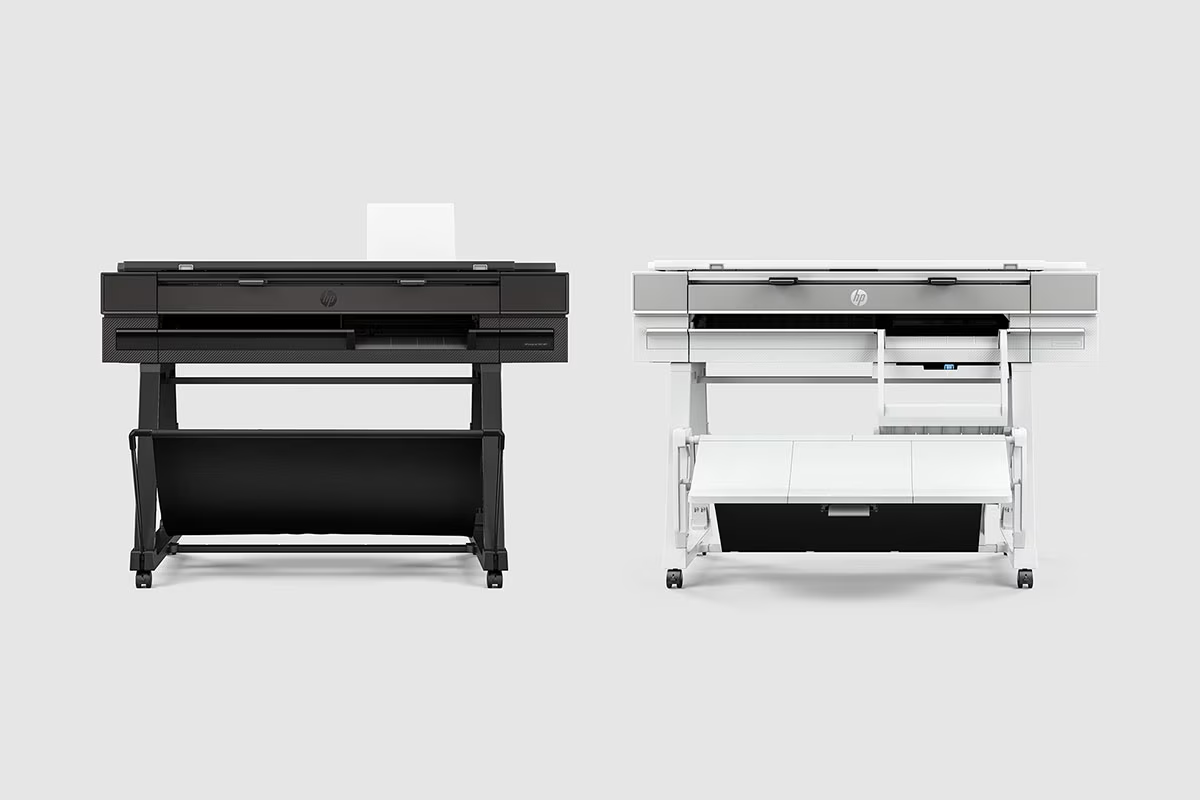
Dallas and Fort Worth businesses using older large format printers can check eligibility for the HP DesignJet trade in program. Submit your current plotter model to see available upgrade options.