

Trade in your current wide format printer before summer work stacks up
A lot of older wide format printers still sitting in AEC and contractor offices may qualify for trade in, and right now there are multiple ways to soften the cost of moving into a faster HP DesignJet. That matters when one slow machine starts holding up revisions, markups, bid sets, closeout sets, scanning, and the people waiting behind them.
This quarter is stronger because the conversation is not just about a trade in. It is about Cash In and Trade Up rebates through June 30, 2026, instant rebates on select models at time of order, financing options that reduce the upfront hit, and a more practical upgrade path based on the kind of work your team actually runs day to day.
For customers in our service area, we can often include free delivery + install + training as part of the setup. If you are farther out, we can still help and confirm what support looks like based on location.
Key deadlines Purchase or lease by June 30, 2026. Submit the claim by July 31, 2026. On qualifying models, customers may see up to $1,200 back, and some machines may also carry instant rebates that make the savings feel more immediate.
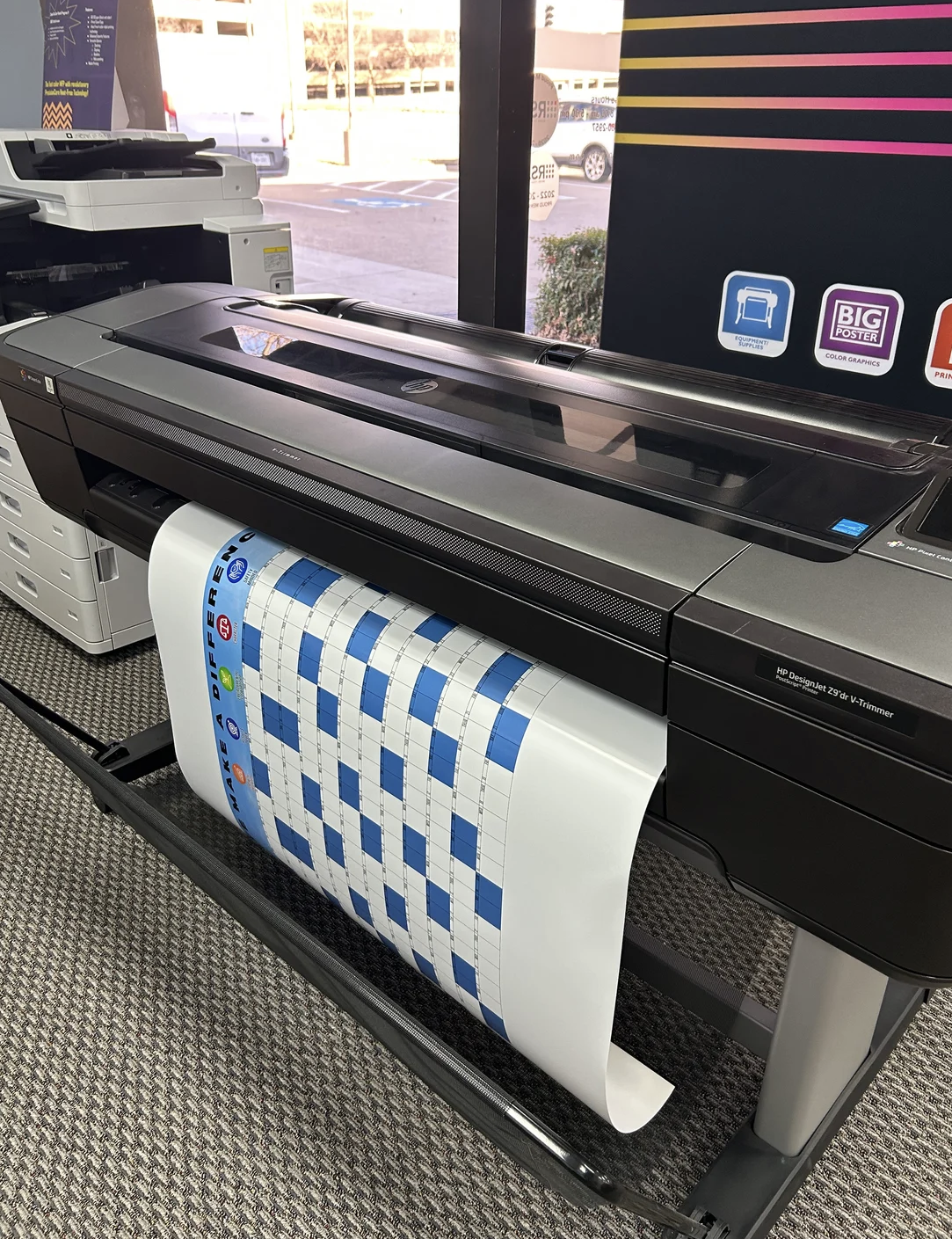
Where this offer makes the most sense
If your office is still depending on an older Canon, Epson, KIP, Oce, Ricoh, Xerox, or qualifying HP large format machine, this is the kind of window worth reviewing. A lot of teams keep older equipment alive until it becomes a workflow bottleneck, then end up dealing with the upgrade under pressure instead of on their terms.
For most AEC offices, contractor teams, survey groups, and technical users, the strongest fit tends to be the HP DesignJet XT950 MFP, T2600dr, and T1600. If you need a more accessible step up, the T950 MFP is also worth a look.
What makes this useful right now
- Replace an aging plotter before downtime shows up in summer deadlines
- Reduce hold ups around revisions, markups, bid sets, closeout sets, and scanned markups
- Match the printer to your real workflow instead of overbuying or settling short
- Combine trade in value, instant rebates, and financing where it makes sense
- Work with a North Texas team that understands print, document flow, and setup in the field
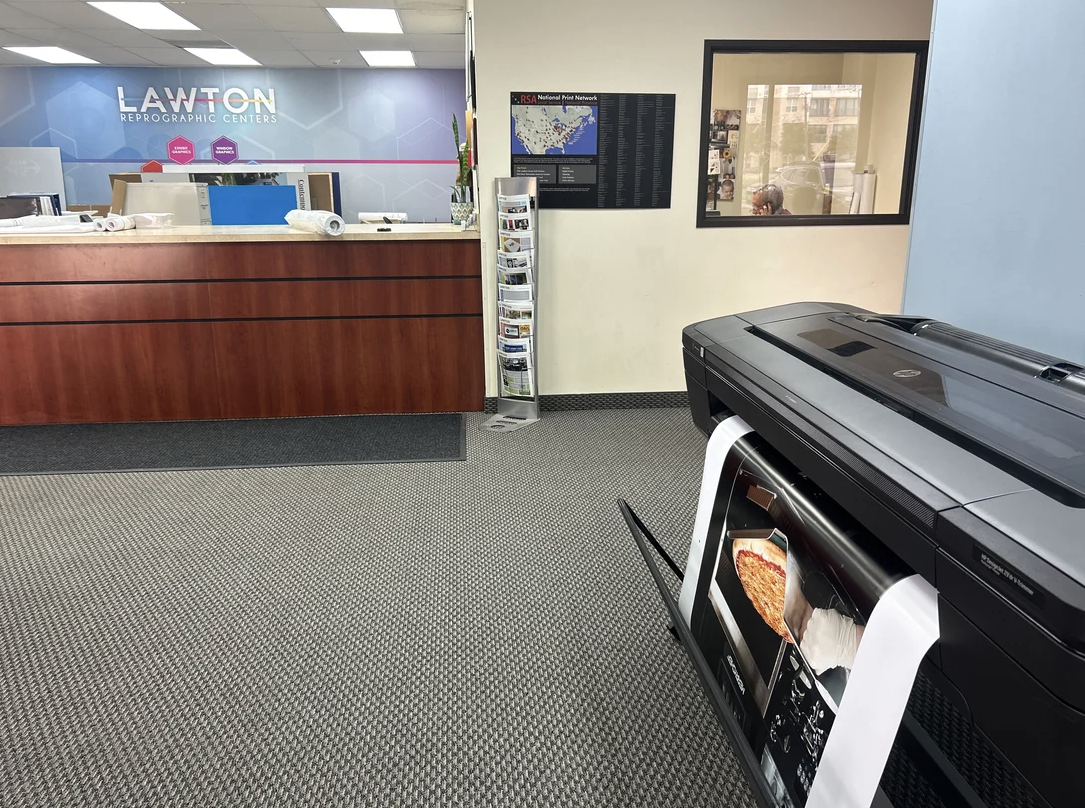
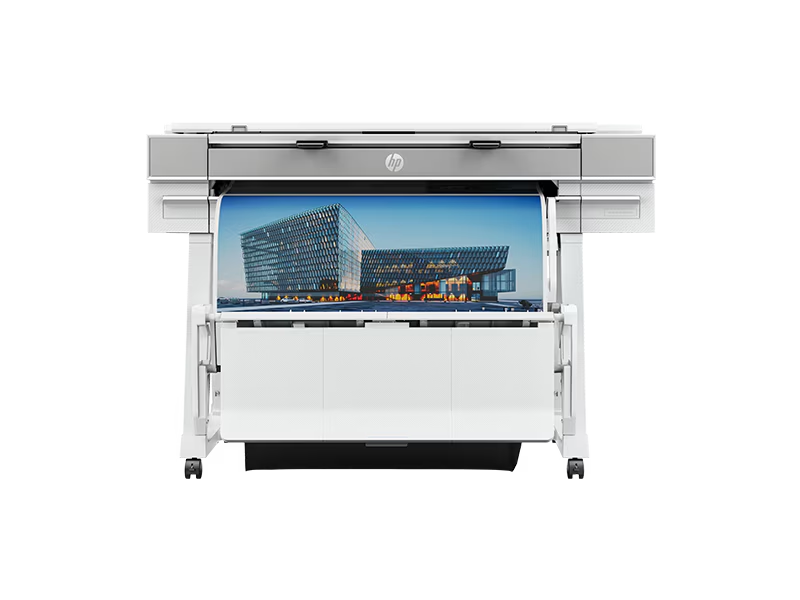

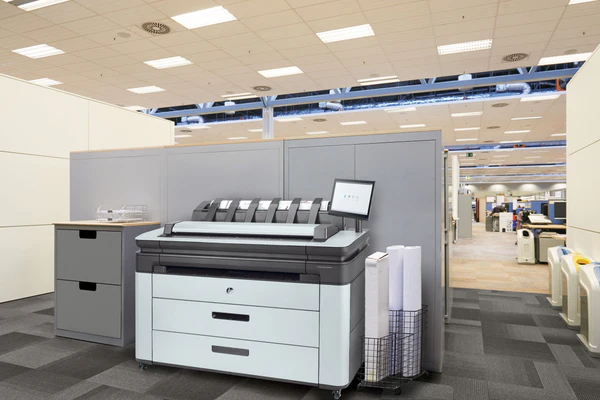
Check your trade in value
Tell us what printer you are using now, what width you print most, and what kind of work moves through the machine. We will look at whether your current device may qualify and help narrow the best next step based on your workflow, not just the rebate chart.
Helpful details include your current printer model, typical media width, whether you need scan and copy capability, what you print most often, and where the printer will be installed.
Helpful links while you compare options
If you are weighing the move now versus later, these pages help narrow down the decision without overcomplicating it. For most AEC buyers, we would start with XT950 MFP, T2600dr, and T1600, then talk about XL 3800 or Z9+ Pro only if the workload really points there.
Who this page is built for
This page is mainly for architecture, engineering, construction, surveying, facilities, and in house print teams running older wide format equipment for plans, drawings, markups, maps, closeout sets, or mixed technical output. If one device is carrying too much of the office workload, the right upgrade can remove pressure before that bottleneck starts costing time.
Which machines should most AEC teams look at first
For many technical offices, the best place to start is XT950 MFP, T2600dr, and T1600. Those models usually fit plan printing, scanning, markups, and day to day office production more naturally than jumping straight into a higher volume shop device.
What if we do need a heavier production option
If your team is pushing much higher output or supporting a larger internal print environment, XL 3800 can be part of the conversation. If color graphics work is also in the mix, Z9+ Pro 64 can make sense for the right shop.
How do I know if my current printer is worth trading in
If your printer is older, slower, harder to service, or creating delays around revisions and deadlines, it is worth reviewing now. Many qualifying trade ins include older Canon, Epson, KIP, Oce, Ricoh, Xerox, and certain HP large format devices.
What should I send to get a fast answer
The fastest way is to send your current printer model, the width you print most often, whether you need scan and copy, what kind of work you run, and where the machine will be installed. That is usually enough to point you toward the best fit quickly.
Can Lawton help after the printer arrives
Yes. For many customers in our service area, setup can include delivery, install, and training. That helps reduce disruption and gets the new machine into real use faster.
Can we wait until the old machine fully gives out
You can, but that usually turns the upgrade into a rush decision. If summer work is about to get heavier, it is often better to review options while you still have time to make a cleaner transition.
Ready to check your trade in options
You do not need every detail before reaching out. Send what you know, and we will help you sort through the next step, the timing, and the machines that make the most sense for your workload.
Lawton helps Dallas Fort Worth AEC teams scan and archive plans, project files, manuals, and closeout documents into searchable digital records built for easier access and long term use.
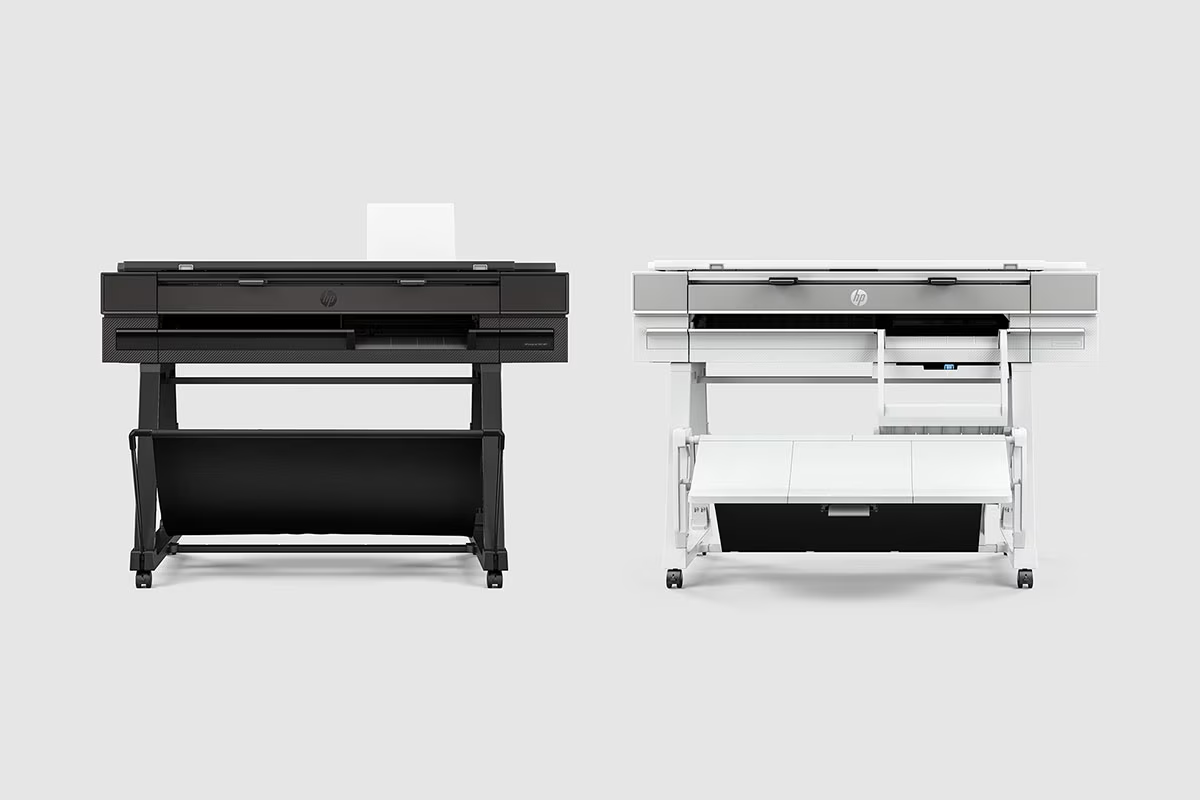
Dallas and Fort Worth businesses using older large format printers can check eligibility for the HP DesignJet trade in program. Submit your current plotter model to see available upgrade options.

Lawton helped Beck Construction produce and assemble 24 organized closeout binders containing operations and maintenance documentation required for project turnover.
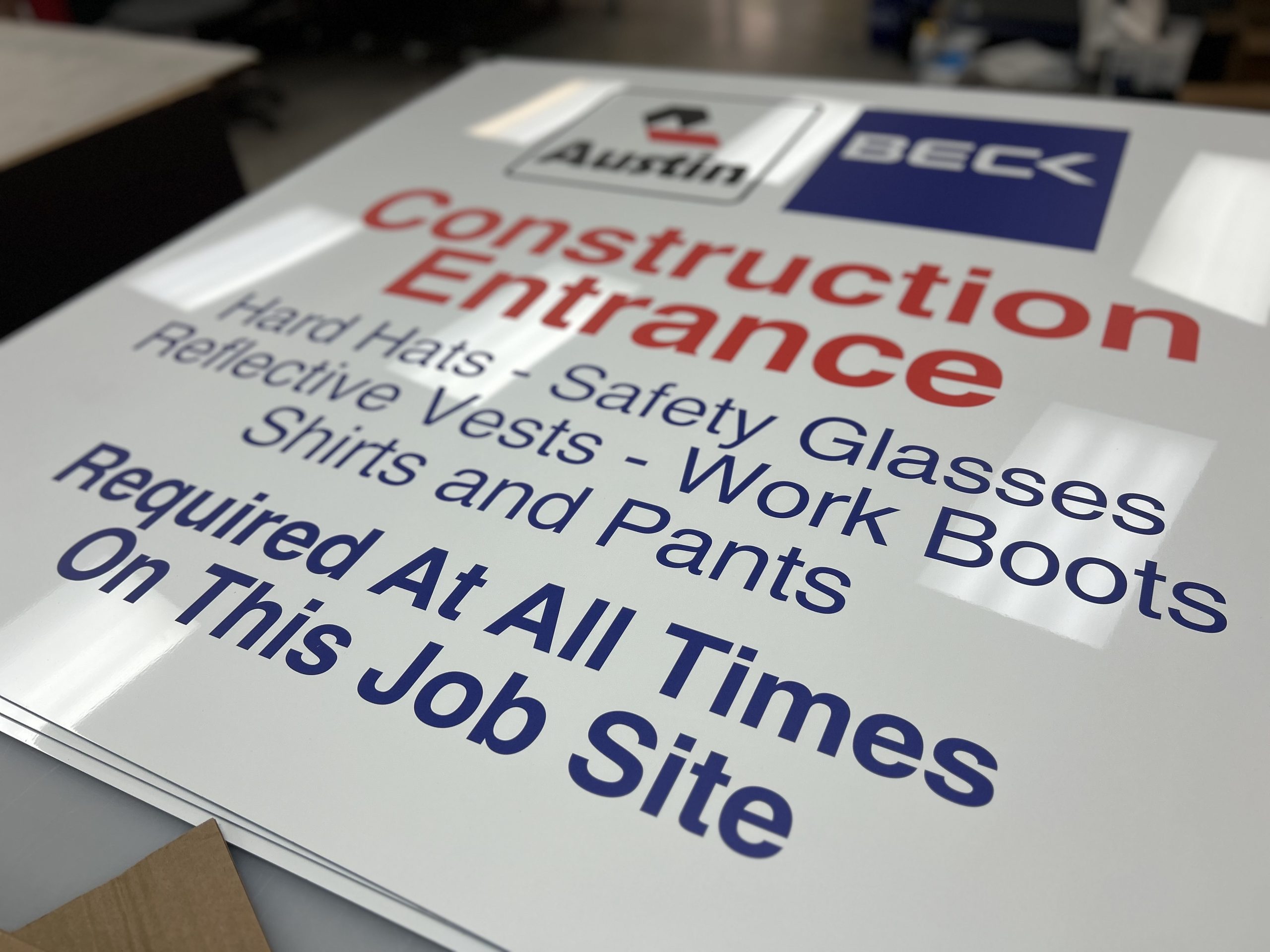
Construction safety signage printing for Dallas–Fort Worth jobsites. We produce jobsite boards, safety signs, fence banners, and wayfinding that stay readable outdoors and support real construction workflows.

Project spotlight · Event graphics Kosas Fall 2026 Masterclass: graphics throughout the space Lawton Printing and Graphics produced and installed a coordinated …
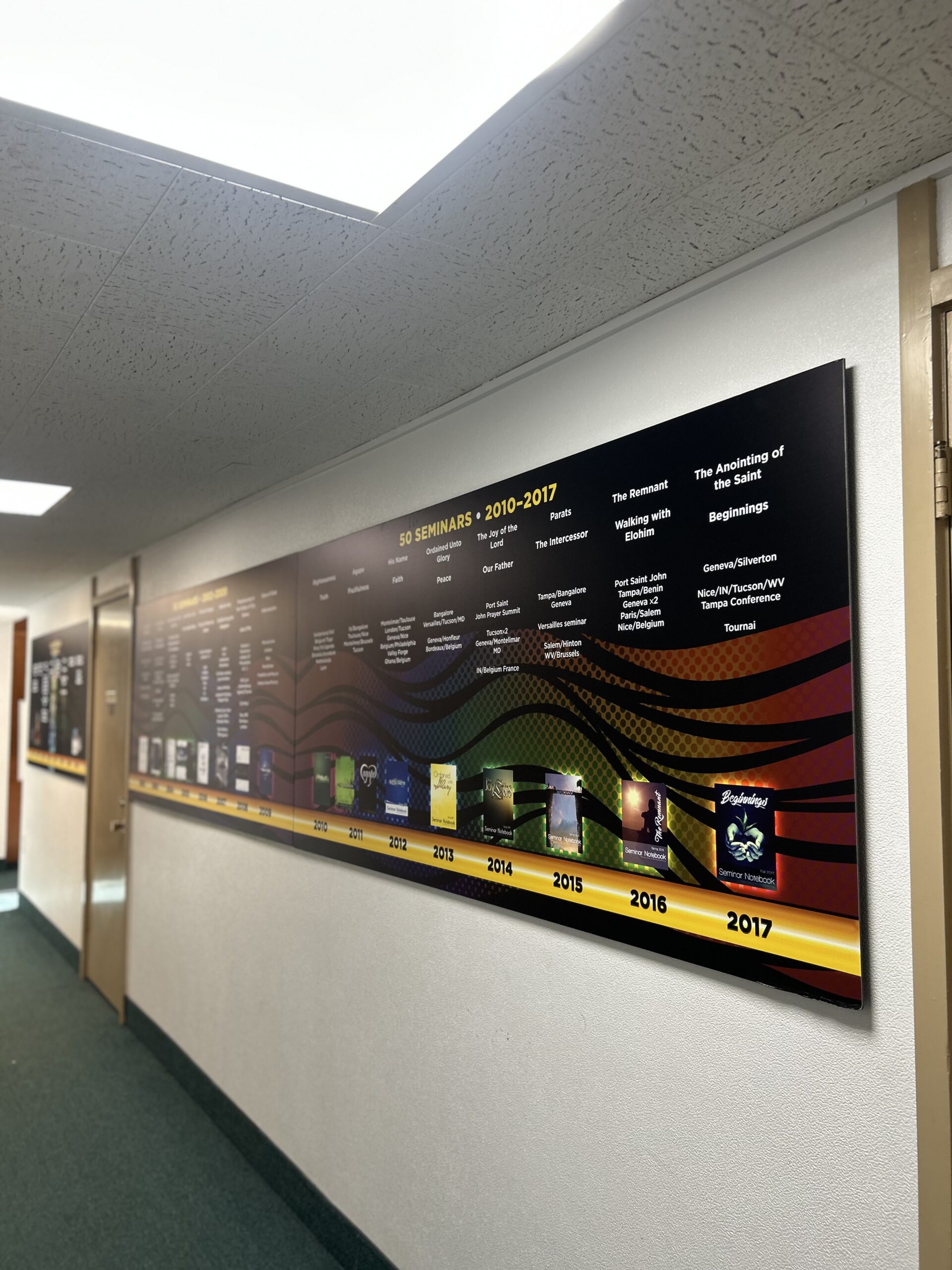
See how Lawton Printing & Graphics designed, printed, and installed four church history boards for The Fathers Church, creating a permanent hallway story display.
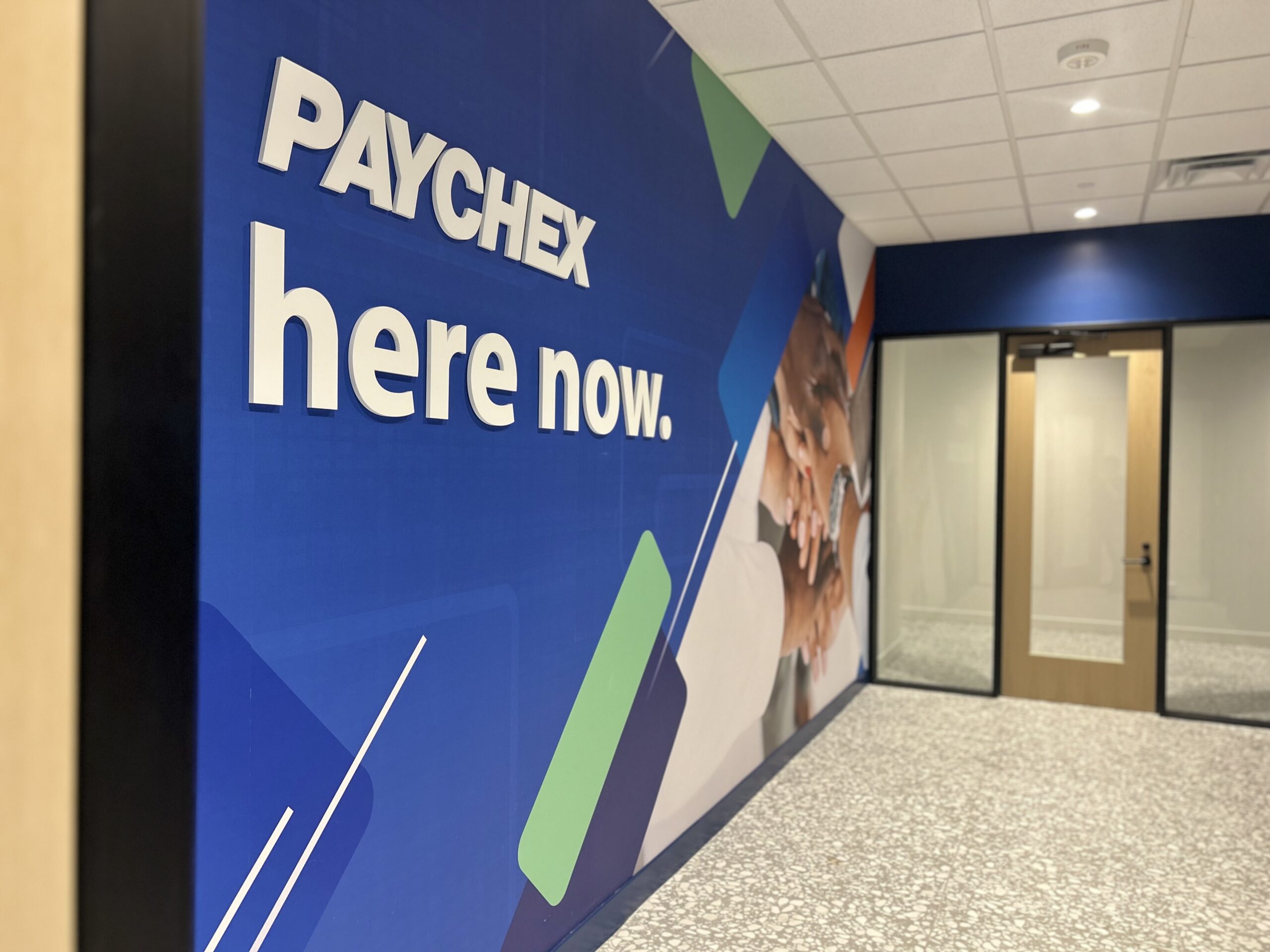
See how Lawton Printing & Graphics brought together wall murals, stretched canvas artwork, and office signage for a coordinated Paychex interior rebrand.

Rigo’s story—from the offset era to today—plus a few real answers that capture the culture at Lawton.